Looking at HostDrift today, with CRM, CDP, Consent, Quotation, and Inventory platforms, it might seem as though I began with a plan to build an entire SaaS ecosystem. That was not my starting point. Before the product names and feature lists, there were questions from real work: Why does this task require so many steps? Why are people remembering details the system should help them track? Could the workflow be easier to continue?
In the previous article, I explored why having more software does not necessarily mean having connected data. This time, I want to focus on the decision that comes next: once a problem becomes visible, how do I decide what to build, where to start, and what can wait? Understanding a problem and choosing a solution are separate steps. Being able to write the code does not mean writing it should be the first one.
Separate the Requested Feature from the Actual Problem
Software requests often begin with something tangible: a dashboard, a notification, or an automated process. I try to treat those requests as the beginning of a conversation, rather than the final specification. Two teams might ask for the same feature while trying to solve entirely different problems. Sometimes, neither needs another screen.
Consider a sales team asking for follow-up reminders. If nobody knows who owns each customer relationship, sending more notifications may simply give everyone more messages without making anyone responsible. If ownership is already clear but the team cannot see when to contact each person, a follow-up list with due dates and meaningful statuses may be more useful. The question is not initially which reminder feature to build, but where the work is getting stuck.
This is the approach I want to bring to HostDrift. Rather than copying another platform’s feature list, I start by identifying who faces the problem, when it occurs, and what a useful outcome would look like. Those answers give the product a clearer boundary.
Understand the Whole Workflow Before Designing the Screen
I also try to look beyond the moment when someone clicks a button. Suppose a customer sends a service enquiry. The work does not end when the message arrives. Someone needs to review it, check the available information, take responsibility, respond, and record the outcome. A polished inbox can still leave those handoffs unresolved.
Before designing the interface, I want to understand what starts the work, what information is required, who takes each step, and what counts as completion. I also want to consider exceptions: a repeated enquiry, a change of owner, a cancelled request, or missing information. These questions help define the workflow instead of asking users to invent it after the screen has been built.
For me, a useful workflow does not need many stages. It needs to let the next person understand what has happened, what remains open, and what to do next without reconstructing the entire conversation.
Start with One Complete Piece of Work
When several problems become visible at once, deciding what not to build becomes just as important as development itself. Working across business and programming makes it easy to imagine more possibilities. But adding several capabilities together can make it harder to see which one actually addresses the original problem.
The approach I try to follow is to choose one important workflow and make it work from beginning to end: receive a request, assign responsibility, follow up, and close the work. That can be more useful than several menus that each handle only part of the process. Starting small means limiting scope, not overlooking correctness or access permissions.
When prioritizing, I consider how often the problem occurs, what happens when it goes wrong, and how many people need to get involved. If clearer task statuses would make handoffs easier than a new dashboard, I want those statuses to come first. The value should come from use, not presentation.
A Simple Interface Needs Clear Decisions Behind It
I like simple interfaces, but simplicity is not just about hiding menus or removing fields. One button can depend on several decisions: what state it changes, who may use it, what needs checking first, and what should happen if it is clicked twice.
Take a status such as “Followed up.” One person might use it after making a call, another after speaking to the customer, and someone else after sending a message. Without an agreed meaning, the same status can describe different outcomes. Defining those meanings is part of product design, not an administrative detail to resolve after development.
I want HostDrift users to understand what an action does and how to proceed when something goes wrong. A clean screen that leaves people guessing is not simple in practice. Reducing uncertainty matters as much as reducing clicks.
Experience Provides a Starting Point, Not Every Answer
My experience in CRM, digital marketing, customer data, and business operations helps me recognize problems and ask more focused questions. It does not mean every team should work the way I have worked. Even businesses in the same industry can have different responsibilities, approval processes, and customer expectations.
I therefore see product ideas as assumptions to examine. Does putting tasks on one screen make them easier to find? Do reminders help people follow up, or become distracting? Do users interpret a status consistently? These questions go beyond checking whether a feature runs without an error.
The same applies to claims about improvement. I want evidence from use before saying a system makes work better. Useful things to examine could include missed follow-ups, time spent finding information, or repeated data entry. Building a feature and demonstrating its value are related, but they are not the same achievement.
Sometimes the Answer Is Not New Software
Although I am developing several platforms, I do not believe every operational problem needs a custom application. If responsibilities are unclear, information has no agreed format, or an approval process remains undefined, improving those arrangements may be the more useful first step.
An existing tool configured differently, a better form, or a simpler process may be enough. Building something new becomes more meaningful when the problem is understood, there is a reason to control the workflow, and there is a commitment to maintaining the solution after launch.
For me, turning that work into SaaS comes later, when a useful pattern can serve more than one business while keeping their information, permissions, and settings appropriately separated. The aim is not to make every organization work identically. It is to identify what can be shared and what needs to remain adaptable.
What I Want HostDrift to Represent
Whether I am thinking about CRM, CDP, Consent, Quotation, or Inventory, the underlying question stays the same: what is making someone’s work difficult, and how could the system help them move forward? The platforms have different responsibilities, but I want them to share an approach: clear purpose, understandable workflows, and features supported by a real need.
There is still plenty to learn and improve. I see my experience as a starting point for choosing problems and testing solutions, not a ready-made answer. Removing an unnecessary feature, clarifying a label, or completing an unfinished handoff can matter just as much as adding a new capability.
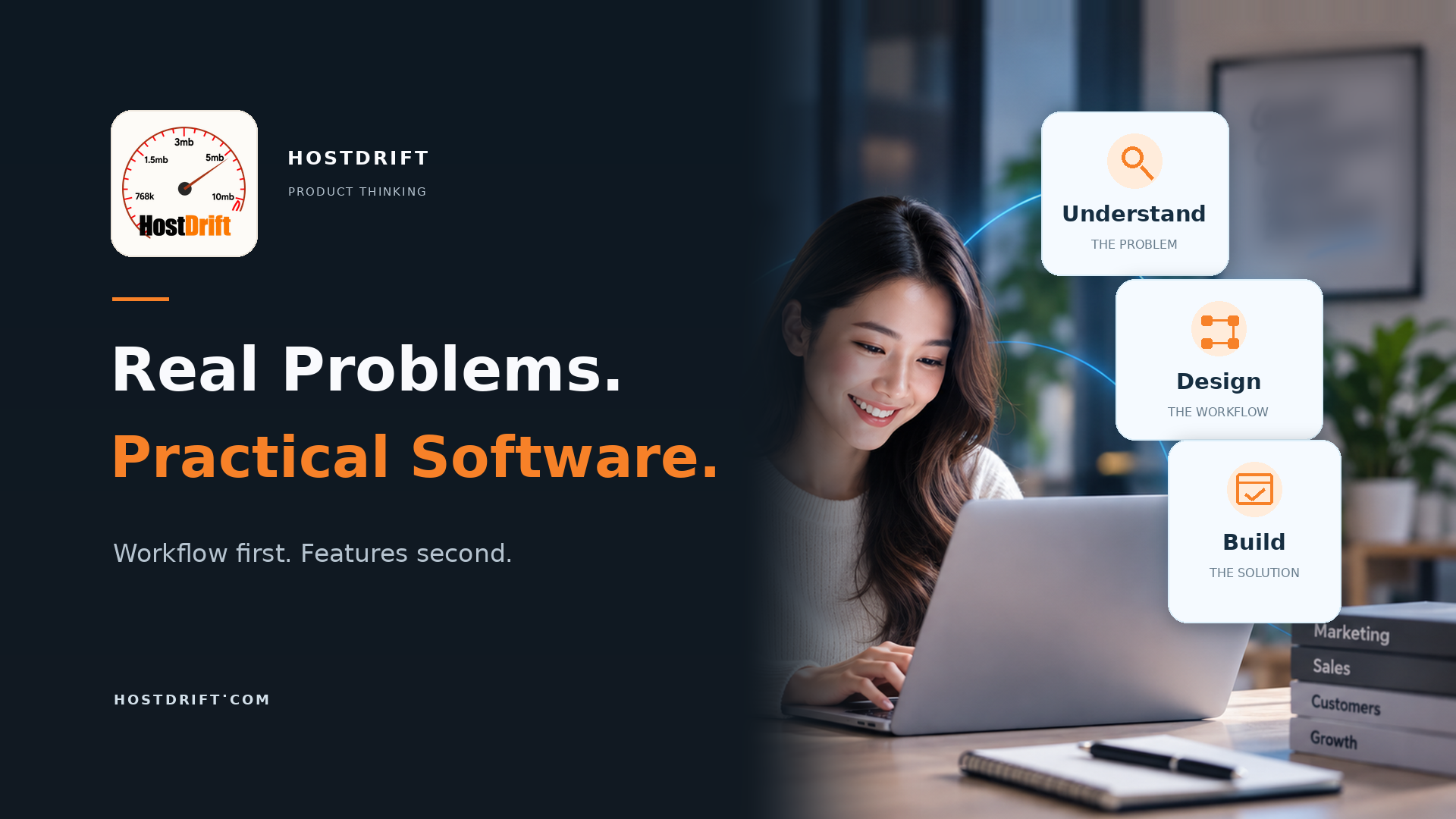
Ultimately, I do not want to build SaaS simply to say that I own software products. I want to create tools for work I genuinely understand. Helping people know what to do next, use information more clearly, and spend less effort on avoidable repetition is the direction I want HostDrift to take: start with the real problem, understand the workflow, and then build the software that fits.